Food and beauty label scanner for iPhone
Scan a barcode.
Get your score out of 100.
Claire checks the label against your allergens and goals, then tells you why in plain words.
Download free on the App StoreFree to download · No account needed · iPhone
See a real scan in three steps
On a computer?
Point your iPhone camera here to install.
A little clarity, wherever you shop.
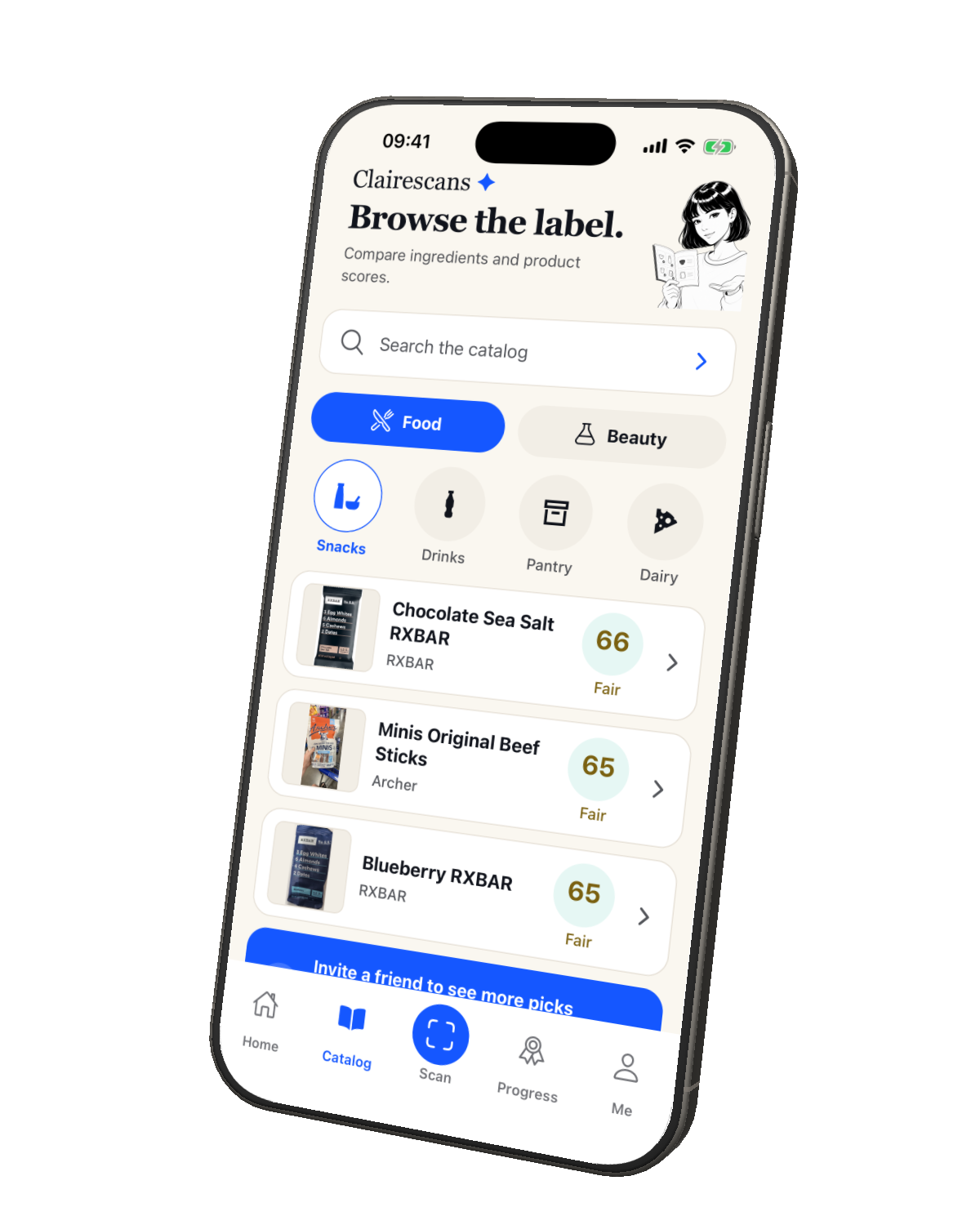
A real scan, start to finish
Three steps from shelf to answer.
-
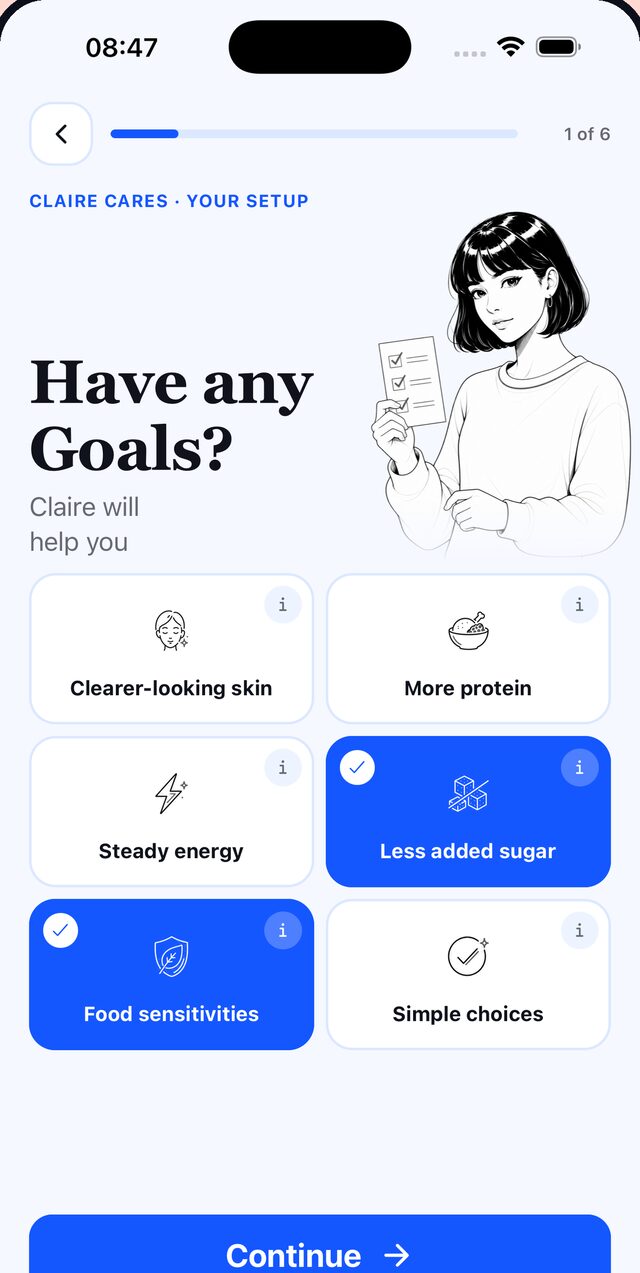
1 Pick what matters
Allergens, goals, skin. About a minute.
-
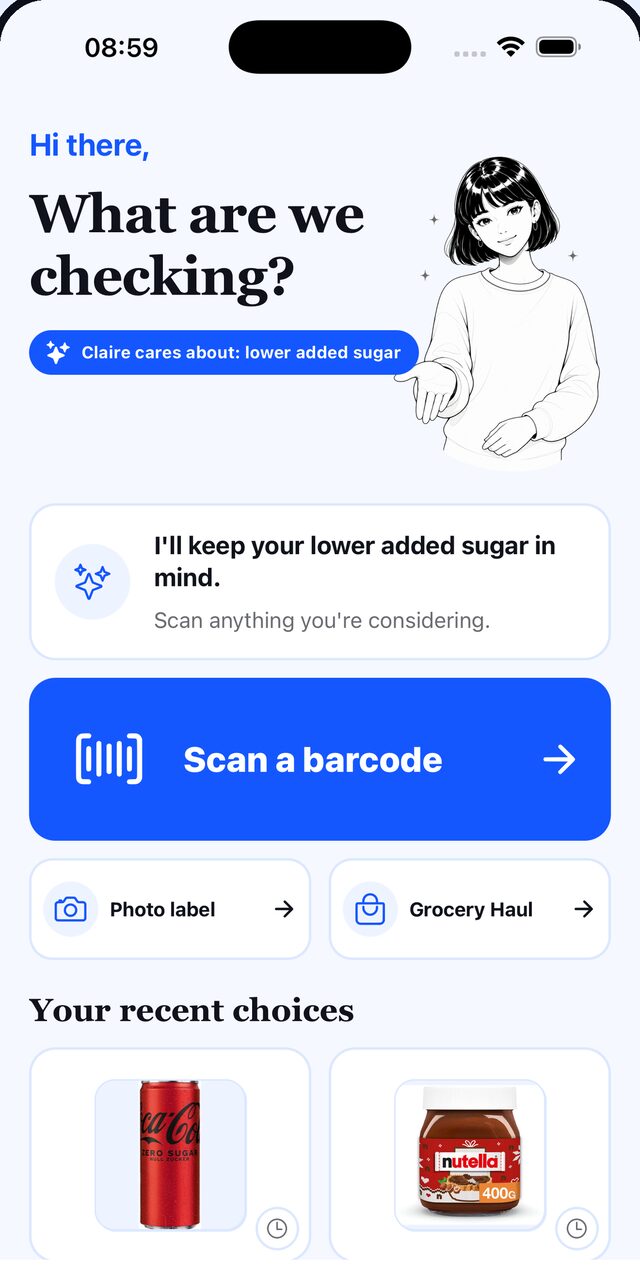
2 Scan the barcode
Point your camera. No typing.
-
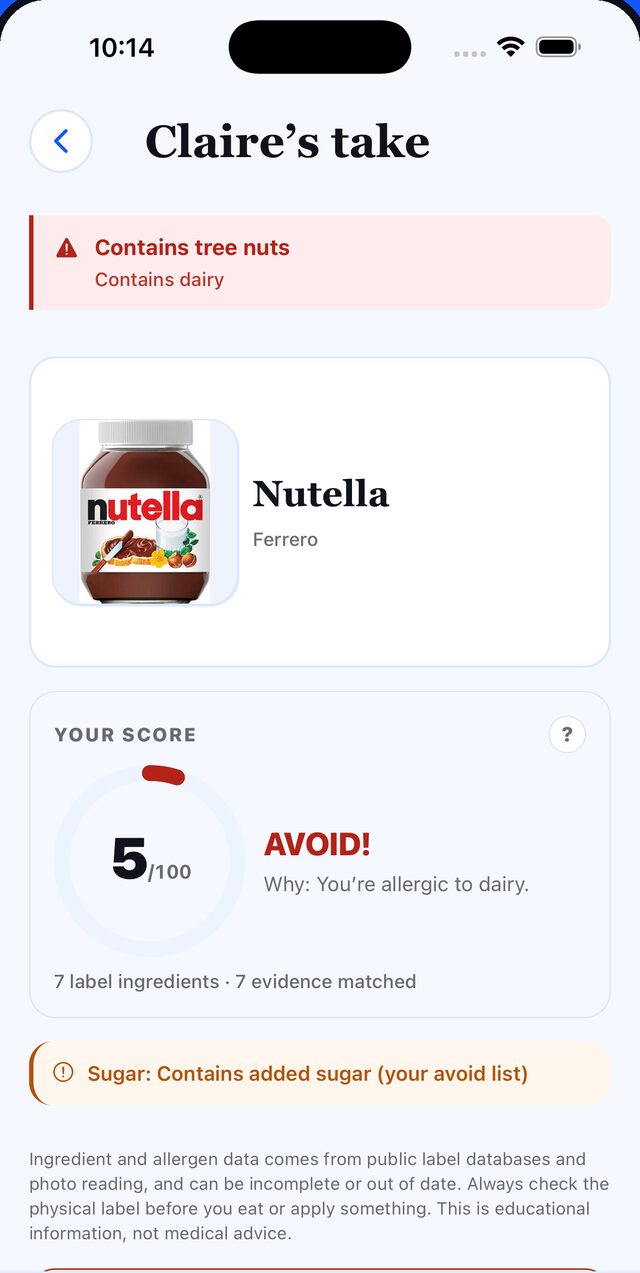
3 Read your score
Nutella: 5/100 for a dairy allergy. The reason comes first.
Screens from the Claire Scans iPhone app.
Same jar, different answer.
Claire scores each product against your profile, so two people can scan the same jar and get two scores.
- Allergens firstThe ones you pick sit above everything else.
- Food and beautyGroceries, skincare and personal care.
- Works offlineBarcode scans fall back to a built-in catalog.
- 9 languagesPicked for you on first launch.
Quick answers.
Is it free?
Yes, and you don't need an account to start. Barcode scans and a weekly set of photo scans are free. Premium adds more photo scans, Grocery Haul and the full offline catalog.
Can it check my allergies?
Claire flags the allergens you choose at the top of every result. Always check the package too. Claire is a label-reading helper, not medical advice.
Does it work on skincare?
Yes. Claire reads cosmetics and personal care labels as well as food.
Your next shop,
scored for you.
Download free on the App Store
Free to download · No account needed · iPhone